


Free or Pro? Most sites start free — and that’s a good thing. Pro is for when likes become part of how you actually run the site.
We released WP ULike v1.0.0 back in September 2014. Since then, we’ve shipped hundreds of updates based on real feedback from bloggers, shop owners, and community admins. The plugin grew. The free version got stronger. And when expert users asked for more, we built Pro on top of it — not as a replacement, but as an extension.
So if you’re trying to figure out WP ULike Pro vs free, this guide is for you. We’ll cover what each version does well, where Pro actually saves you time, and how to know when it’s worth upgrading — without drowning you in a 50-item checklist.
The short answer
Free is the right pick if you want like buttons on your content, basic stats, and a setup that just works on a blog or small site.
Pro makes sense when you need dislike buttons, more styles, control over where buttons appear on different content types, Google star ratings from real votes, stats you can export, or simple login and profile tools to grow engagement beyond anonymous clicks.
Free handles the core job — voting, counting, reporting. Pro adds the tools you reach for once that core job isn’t enough on its own.
What free WP ULike is really for
Let’s be clear: free is not a demo. It’s a full plugin used on thousands of WordPress sites every day. With WP ULike V5, the admin got a real upgrade — cleaner settings, live previews for buttons and toast messages, and stats and logs that are easier to read. But the purpose of free hasn’t changed.
Free is built around one idea: let people vote on your content and show you what resonates.
That means:
- Like voting on posts, pages, comments, BuddyPress activity, and bbPress topics (tap again to unlike)
- Four button styles — Simple, Heart, Twitter Heart, and Animated Heart — plus a customizer to style buttons and toast messages
- A statistics panel with date ranges and filters, plus a log screen to search vote history
- Automatic display on the post types you choose, and shortcodes when you want to place a button manually
- Privacy basics — IP anonymization and hooks for WordPress personal data export and erase
If your whole goal is “I publish posts and I want to know what people like,” free covers that. Install it from WordPress.org, turn on the content types you care about, pick a button style, and you’re live.
We also keep improving free with every major release. Bug fixes, performance work, and V5-level admin improvements land on both versions. You’re not stuck on old software just because you didn’t buy Pro.
What Pro adds — and why people upgrade
Pro installs on top of free. Your existing votes, settings, and database records stay put. You activate a license key, and new menus and tools appear in your admin. That’s it — no migration, no starting over.
Here’s where Pro starts to pay off, grouped by what you’re probably trying to do.
Make buttons fit your site (not the other way around)
Free gives you four button styles. They work well. But once your site mixes blogs, products, forums, and community activity, you usually want more than one look and one global placement rule.
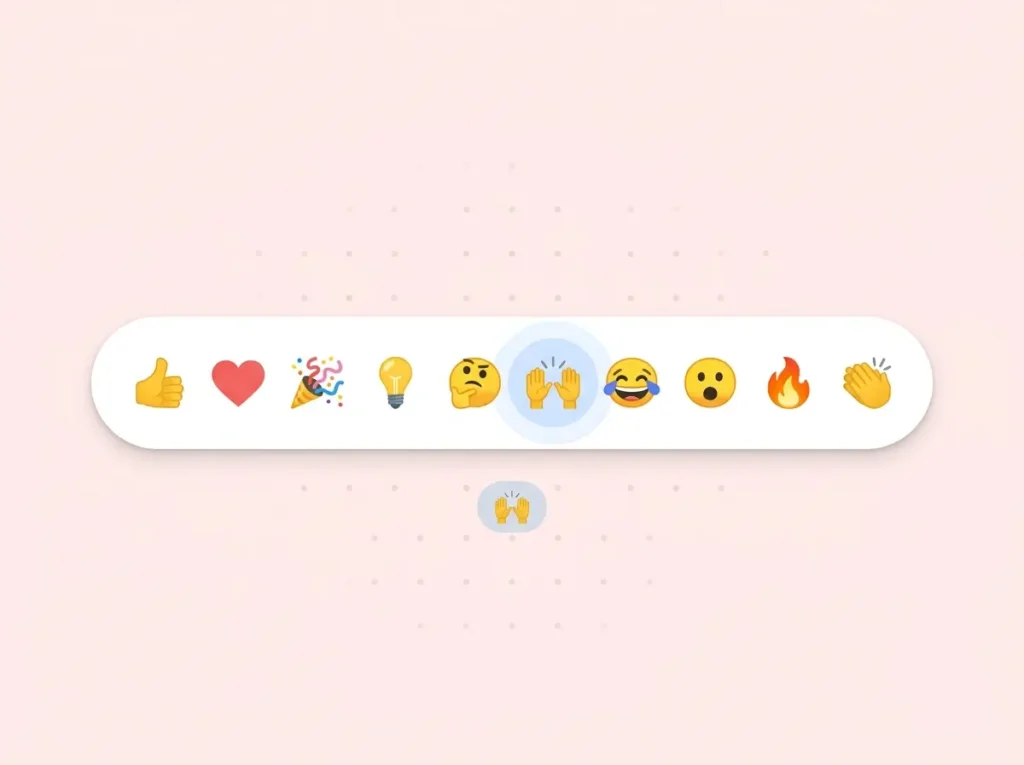
Pro unlocks 20+ templates — including dislike buttons, clapping layouts, up/down votes, rating faces, and styles built for review and shop-style content. The customizer goes further too: dislike button styling, plus design controls for forms, profiles, and share buttons.
Then there’s Display Automation under Pro Tools. Instead of one “show likes everywhere” setting, you build visual rules: likes below blog posts but above WooCommerce products, engagement on BuddyPress activity but not every forum reply, and so on. It works across WordPress, WooCommerce, EDD, BuddyPress, and bbPress — without editing your theme.
And if you build pages in Elementor, Pro includes 7+ widgets — like buttons, top posts, counters, best likers, and more — so you’re not pasting shortcodes into every layout by hand.
Turn votes into Google star ratings
Likes tell you what your audience thinks. Star ratings in Google tell the rest of the internet.
Pro’s Schema Generator lives under Tools for a reason: schema is a site-wide job, not something you should hunt for post by post. From one screen you can search your content, set FAQ schema, preview how star ratings will look from your actual like counts, and manage structured data across 15+ Schema.org types.
This is especially useful if you run product reviews, comparison posts, local business pages, or anything where rich results help you stand out in search. For a full walkthrough, see our Schema Generator guide.
Stats you can use beyond the dashboard
Free stats answer a simple question: what’s getting votes? The Pro Statistics Panel goes much further — and it’s built for people who actually make decisions from the data.
You get engagement overviews, daily interaction trends, and breakdowns by user role. Filter by date range and vote status, compare time periods side by side, and drill into linear charts when you need to spot patterns. Top content and top users sections help you see what’s working and who’s driving activity — with pagination when your site has a lot of data.
One of the biggest upgrades is engagement rate analytics: not just how many likes you got, but how many people actually saw the button and chose to act. That turns raw counts into real insight — especially when a post gets 50 likes from 200 views vs. 50 likes from 10,000. Read how that works in our engagement rate analytics guide.
You can also export reports as CSV, PNG, or SVG, and use the engagement history panel for a closer look at user activity over time. So when your editor, client, or team lead asks what content actually worked last quarter, you’re not screenshotting widgets — you’re pulling a proper report.
Login, profiles, and community — without a plugin pile
One thing we want to be upfront about: Pro is not a full membership plugin. We’re not trying to replace BuddyPress, MemberPress, or paid access systems.
What Pro does give you is a simple way to extend engagement when anonymous likes aren’t enough. If you want readers to log in, get a profile, and come back, Pro includes:
- Public user profiles and author redirects
- AJAX login, signup, and password reset forms with reCAPTCHA
- Social login (Google, Facebook, and more)
- Two-factor authentication, email verification, and local avatars
- Share buttons and custom email templates for welcome and reset messages
Think of it this way: free handles the vote. Pro helps if you also want a small community layer around it — without installing three separate plugins and hoping they all get along.
Pro Tools for when the site gets bigger
As your site grows, admin work grows with it. Pro Tools is where we put the site-wide jobs that don’t belong inside a single post editor:
- GDPR tools — bulk search and remove user vote logs when privacy requests come in
- Maintenance — cleanup, duplicate removal, session expiry
- Bulk actions — adjust like/dislike counts across many posts at once
- REST API settings for developers building apps or custom integrations
- Debug info when you need to troubleshoot with support
If privacy and compliance matter on your site, our GDPR and privacy guide goes deeper on what free covers and what Pro adds.
Pro also includes priority support and automatic updates while your license is active. When something breaks right before a launch, that difference matters.
How Pro actually works (it’s simple)
Pro is a separate plugin that requires free WP ULike to be installed first. You download Pro from your account on wpulike.com, install it, and enter your license key. Pro extends free — it doesn’t replace it or move your data somewhere else.
All your vote data stays in your WordPress database on your hosting, same as free. Pro just unlocks the extra admin screens and features around that data. Full setup steps are in our documentation.
Which version fits your site?
Still deciding? These are the three paths we see most often.
The blogger or news site
You publish articles and want a honest signal of what readers enjoy. Free gives you likes, stats, and logs — everything you need to spot trends over time. Start here. If you later want dislike buttons, Medium-style clapping, richer charts, or star ratings in Google, Pro is an easy next step.
The shop, review, or comparison site
Your content types don’t all behave the same. Product pages, review posts, and category archives each need buttons in different spots. You probably care about schema markup and exports for reporting too. Pro saves real time here — especially Display Automation and the Schema Generator — compared to juggling multiple plugins for placement, SEO, and analytics.
The community or membership-style site
You want engagement across BuddyPress, bbPress, or custom post types, and you’d like users to log in and have profiles — but you’re not running a full paid membership program. Pro fits that middle ground well. Free handles the voting engine across your community content. Pro adds the account layer on top.
We stand behind both versions
We’ve been at this since 2014 because people actually use the plugin — on free and on Pro. Free gets real updates and forum support. Pro helps us build the bigger site-wide tools and offer faster help when you need it.
We’re not trying to make free feel broken so you’ll upgrade. Most sites run free happily for years. Pro is there when your needs outgrow what four button styles and one global placement setting can do.
One request though: if you go Pro, buy a legitimate license from wpulike.com. Nulled copies skip updates, break quietly, and create security risks. Not worth it.
What we’d tell a friend
Install free. Use it for a few weeks. See if your audience actually votes and whether the stats tell you something useful.
Then ask: Do I need more control over design and placement? Do I want Google star ratings? Do I need reports I can share? Do I want users to log in?
If the answer is yes to any of those, Pro is worth a look. If free already does everything you need, keep it — and keep publishing. We’re glad either way.
See Pro plans · Download free · Documentation
Frequently asked questions
Is WP ULike Pro a separate plugin?
Yes. Install the free WP ULike plugin first, then install Pro and enter your license key. Pro extends free — it does not replace it.
How many button styles does free include?
Four: Simple, Heart, Twitter Heart, and Animated Heart. Pro unlocks 20+ additional styles, including clapping buttons, up/down votes, and rating-style layouts.
Does free include dislike buttons?
No. Free is like-only — readers can unlike, but there is no separate dislike button. Dislike buttons and subtotal-style layouts come with Pro templates. Pro also adds more admin tools around the same voting engine.
Do I need Pro for Elementor widgets?
Yes. Elementor widgets like like buttons, top posts, and counters are Pro-only. Free works well with automatic display, shortcodes, and the standard WordPress widget.
Is Pro a membership plugin?
No. Pro includes profiles, login forms, and social sign-in as a way to grow engagement — not as a paid membership or content-locking system. For paid access control, you’d still want a dedicated membership plugin.
Does free include schema markup?
The Schema Generator workspace in Pro Tools is Pro-only. It covers FAQ schema, star rating previews, and bulk post search. Free focuses on voting and core stats.
What happens if my Pro license expires?
Your site keeps working. You stop getting automatic updates and priority support until you renew. Your existing settings and vote data stay in place.
Can I try Pro before buying?
Check wpulike.com/pricing for current plans and refund policy. Many users start on free, see engagement pick up, and upgrade once they know what they need next.


Leave a Reply