See More Testimonials
Read more reviews on WordPress.org
See More Testimonials
Turn visitors into active fans
Flexible reaction types, a live button customizer, and reports that show what people care about.
Engage visitors. Discover what they love.
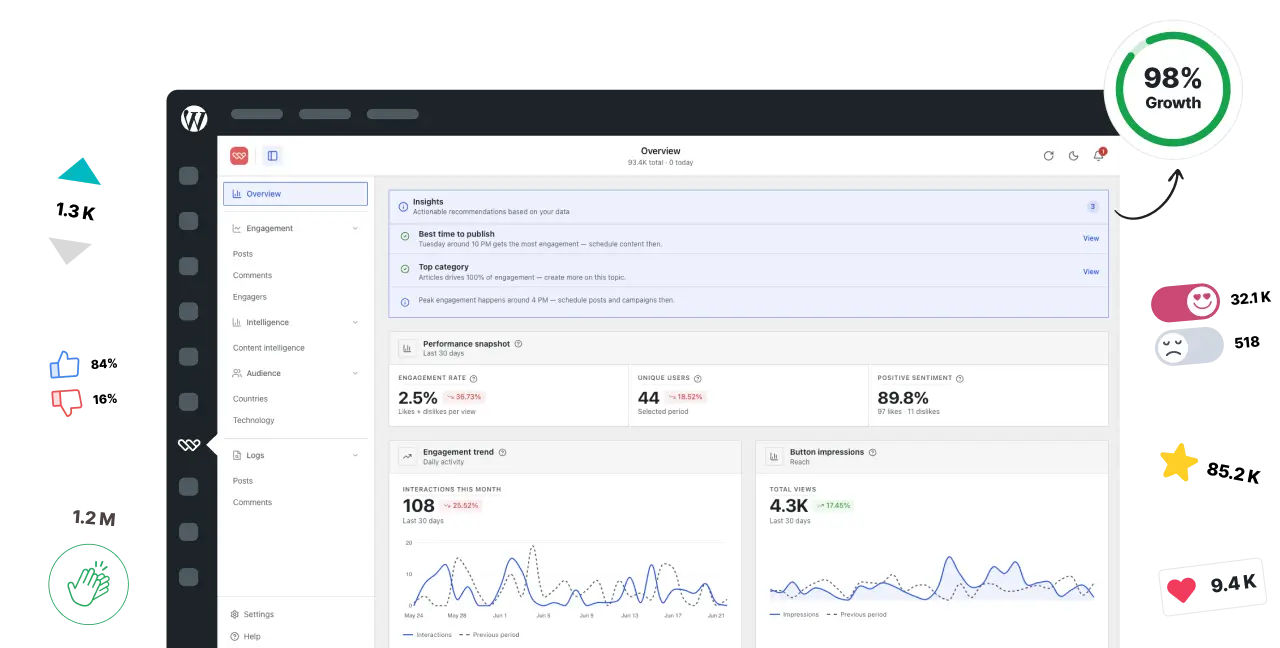
Add likes, dislikes, emoji reactions, and star ratings anywhere on your site. See who reacted and discover what your audience loves.
Trusted by 60,000+ WordPress sites · Rated 4.8/5 by real users · 14-day money-back

★★★★★
283 reviews

Blogs, stores, agencies, and communities all use the same plugin to collect reactions and turn them into better decisions.
See your top posts, when readers react most, and what to write more of, without guessing from pageviews alone.
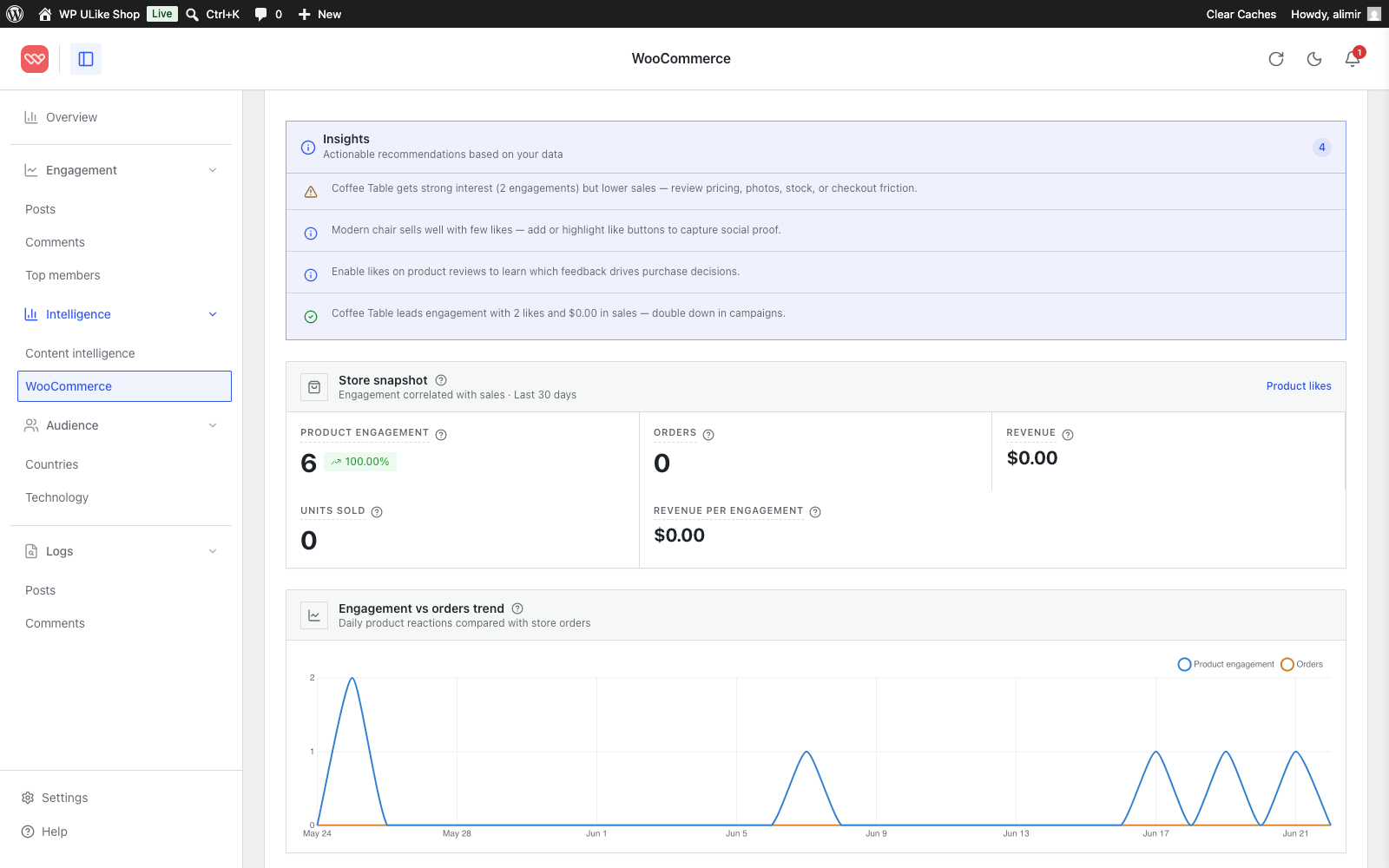
Put reactions on products, then compare likes to sales. Spot items that get love but not orders.
Show clients which content got reactions, right in WordPress. No CSV exports or extra tools.
Reactions on profiles, comments, and forum topics. See top members and lively discussions.
Step 1
Put a reaction button on posts, products, comments, or community pages. Visitors tap once. No signup wall. No extra plugins.
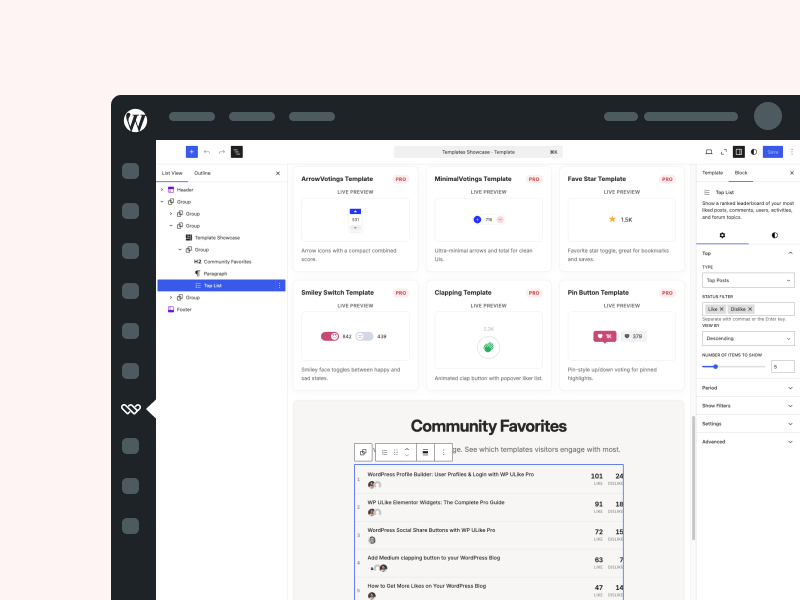
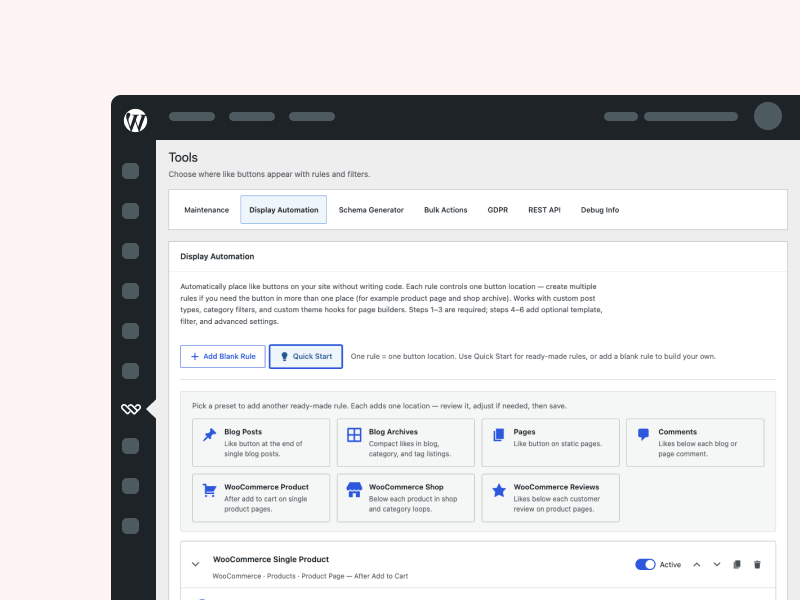
Step 2
Likes, emoji reactions, or star ratings. Pro lets you choose the type, design, and placement per section of your site, then preview it in the live customizer before you save.
Step 3
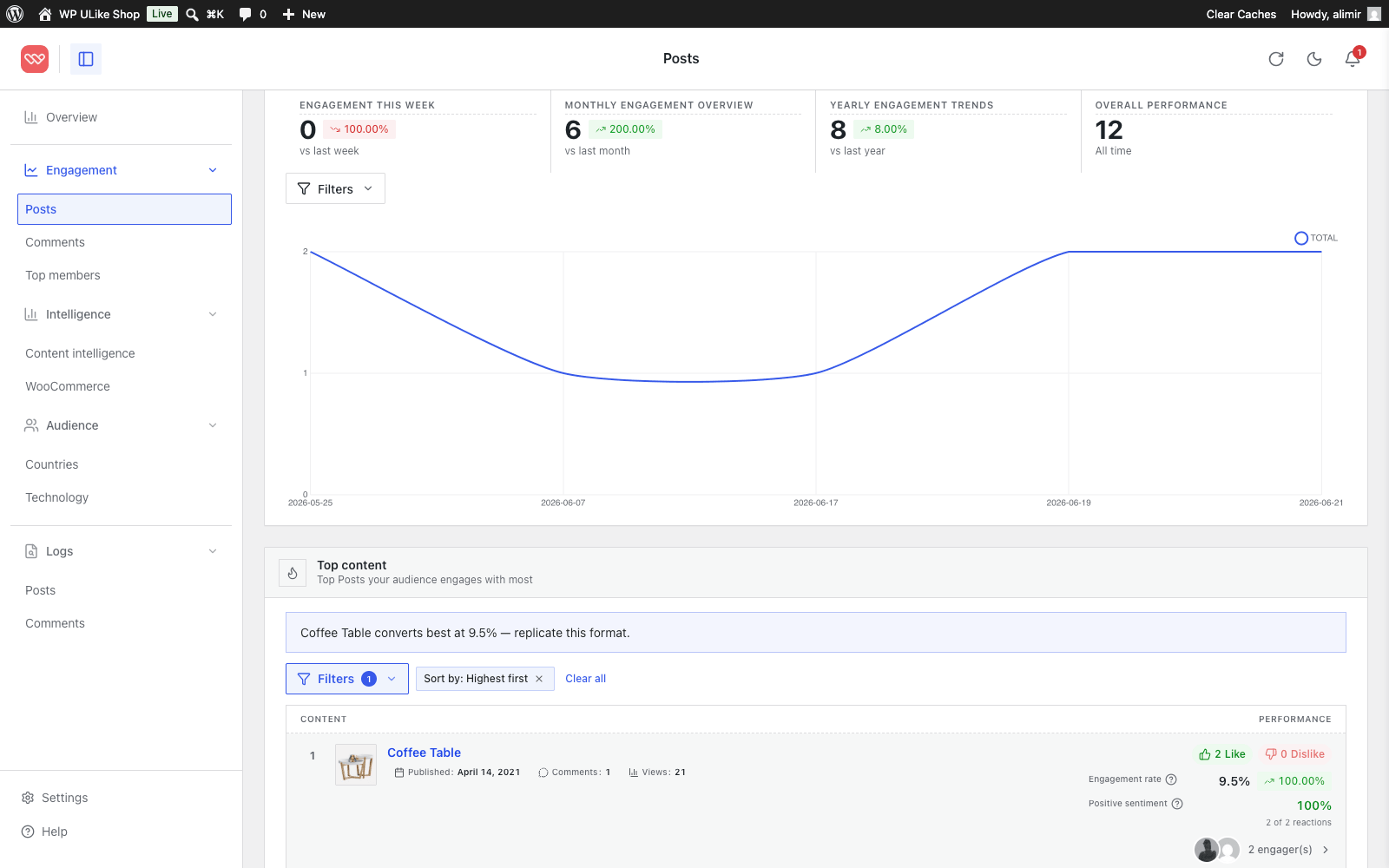
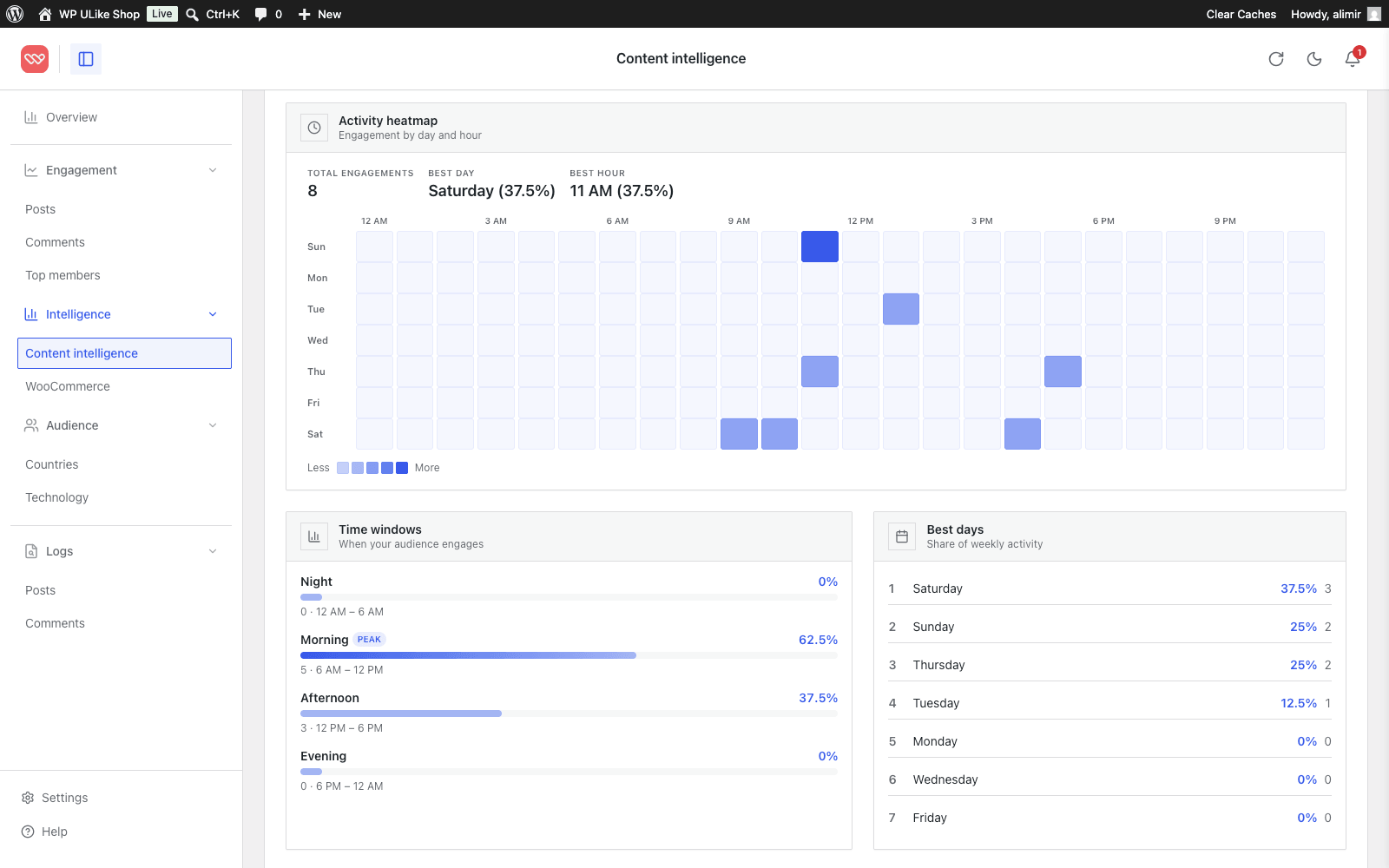
Your dashboard shows top content, when people are active, and what deserves more of your time. Pro adds who reacted, where they are, and how product reactions compare to sales.
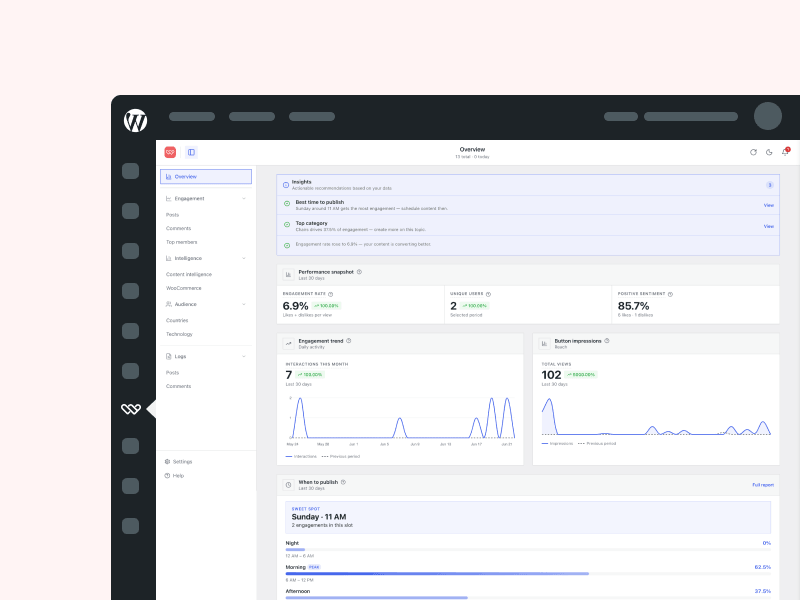
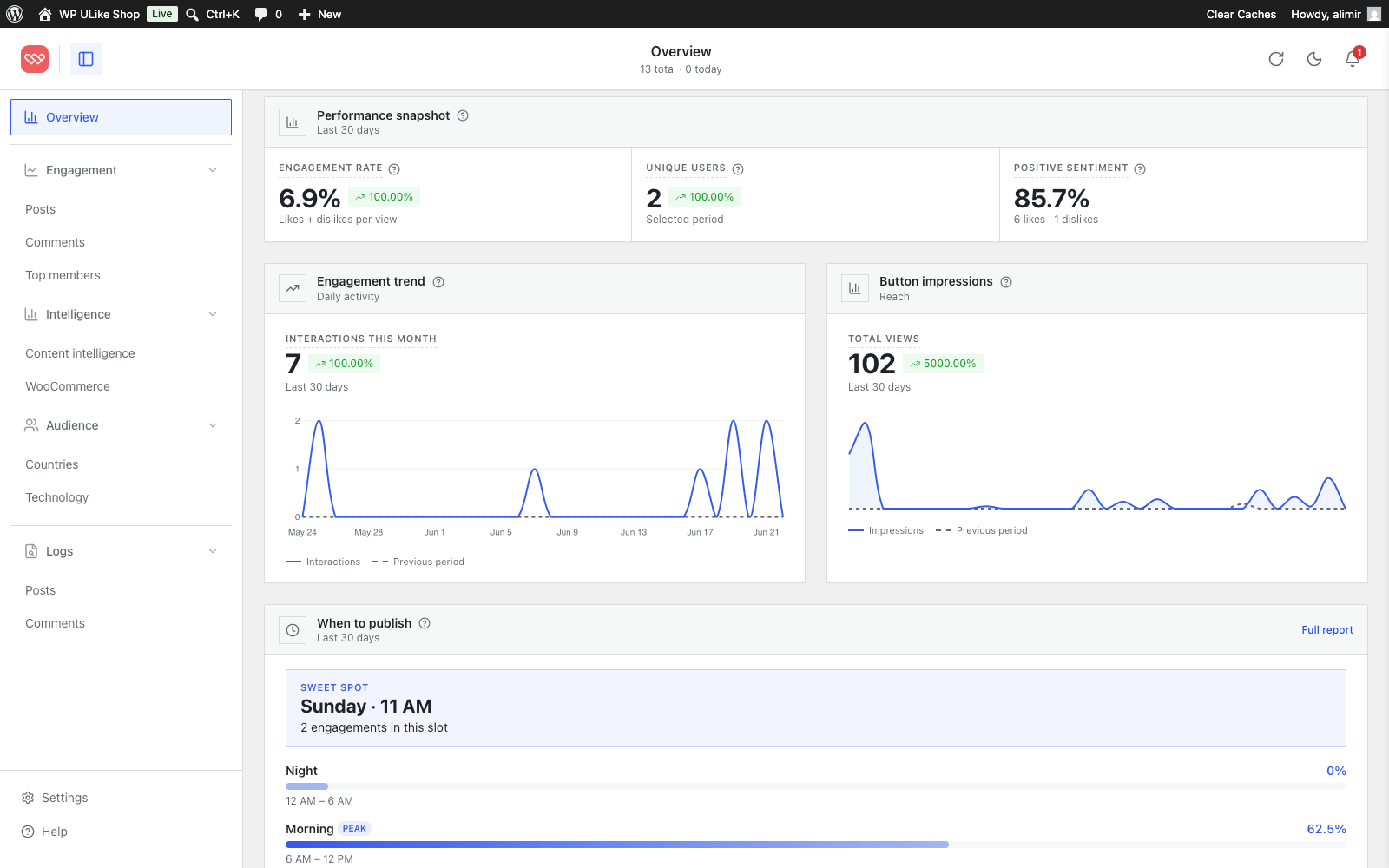
Pageviews tell you who showed up. Reactions tell you who cared. See top content and busy hours in the free dashboard, then add Pro for who reacted, where they came from, and which products get love but not sales.
Real reviews from people running blogs, shops, and community sites.

Try WP ULike Pro on your own site. If it isn't the right fit within 14 days, email us and we refund 100% of your money. No form to fill in, no reason required, and a real person answers. Read refund policy

Short answers before you install or upgrade.
It puts reactions on your WordPress site: likes, and with Pro, emoji reactions and star ratings. The dashboard shows which posts, products, and comments people actually cared about.
No. Add a button, open Statistics, and read the reports. If you can use WordPress, you can use WP ULike.
Free is like buttons and a starter dashboard. Pro is emoji reactions, star ratings, the live customizer, who reacted, top fans, countries, store reports, and premium button designs.
The buttons load light code on your pages and play nicely with caching. Reports use smart caching so your dashboard stays usable as vote data grows, including on busier sites.
Yes. Use shortcodes, blocks, or automatic placement on any standard WordPress theme. Pro also includes Elementor widgets if you use Elementor.
Get Pro, add your license key, and pick emoji, stars, or likes per section of your site. You can try likes free first if you want. Pro sits next to the free plugin, and your existing votes stay.
Emoji, stars, and who reacted. Join 60,000+ WordPress sites. Your existing votes stay.
14-day money-back · Instant license · Or try likes free