

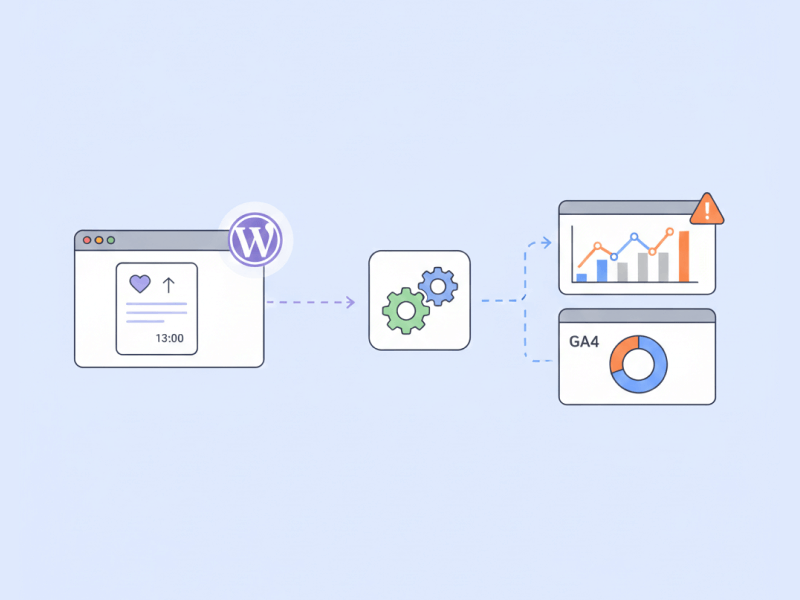
If you’re using WP ULike and want to understand how users interact with your content, tracking those actions in Google Tag Manager (GTM) and Google Analytics is one of the most reliable ways to measure real engagement. WP ULike already comes with a powerful in-dashboard Statistics Panel (which gives you trends, filters, comparisons, and more), but sometimes you need this data directly inside Analytics for funnels, events, audiences, or reports. That’s exactly what this guide helps you set up. ✨
Below is a simple, friendly walkthrough with the essential steps and sample code you can copy and use right away.
What You Will Track
WP ULike fires a JavaScript event called WordPressUlikeUpdated every time a user interacts.
This event gives you everything you need inside GTM:
- action (like / unlike)
- content ID
- content type
- updated counter
- timestamp
We’ll listen to that event, push clean values to the Data Layer, and let GTM send them to GA4.
Create the Trigger in GTM
In Google Tag Manager:
- Go to Triggers → New
- Type: Custom Event
- Event Name:
WordPressUlikeUpdated - Save
This is the core trigger that fires when the interaction finishes.
Add the Script to Push Data to the Data Layer
Create a Custom HTML Tag in GTM that fires on all pages and paste this:
This makes every WP ULike interaction fully trackable.
Create Data Layer Variables
Create these inside GTM:
- wp_ulike_action →
wp_ulike_action - wp_ulike_content_id →
wp_ulike_content_id - wp_ulike_content_type →
wp_ulike_content_type - wp_ulike_counter →
wp_ulike_counter
(They all use Data Layer Variable type.)
Send the Event to GA4
Now create a GA4 Event Tag:
- Event Name:
wp_ulike_engagement - Parameters:
- action →
{{wp_ulike_action}} - content_id →
{{wp_ulike_content_id}} - content_type →
{{wp_ulike_content_type}} - counter →
{{wp_ulike_counter}}
- action →
Attach the WordPressUlikeUpdated trigger.
Save.
Test Everything
Use GTM Preview Mode:
- Click a ULike button
- You should see the event firing
- Check the Data Layer values
- GA4 Realtime should show
wp_ulike_engagement
If you see activity there, your tracking is fully working. 🎉
Final Note
WP ULike already gives you a complete insights dashboard inside WordPress, but connecting these engagement events to Google Analytics opens the door to deeper funnels, remarketing audiences, behavior analysis, and more professional reporting.