


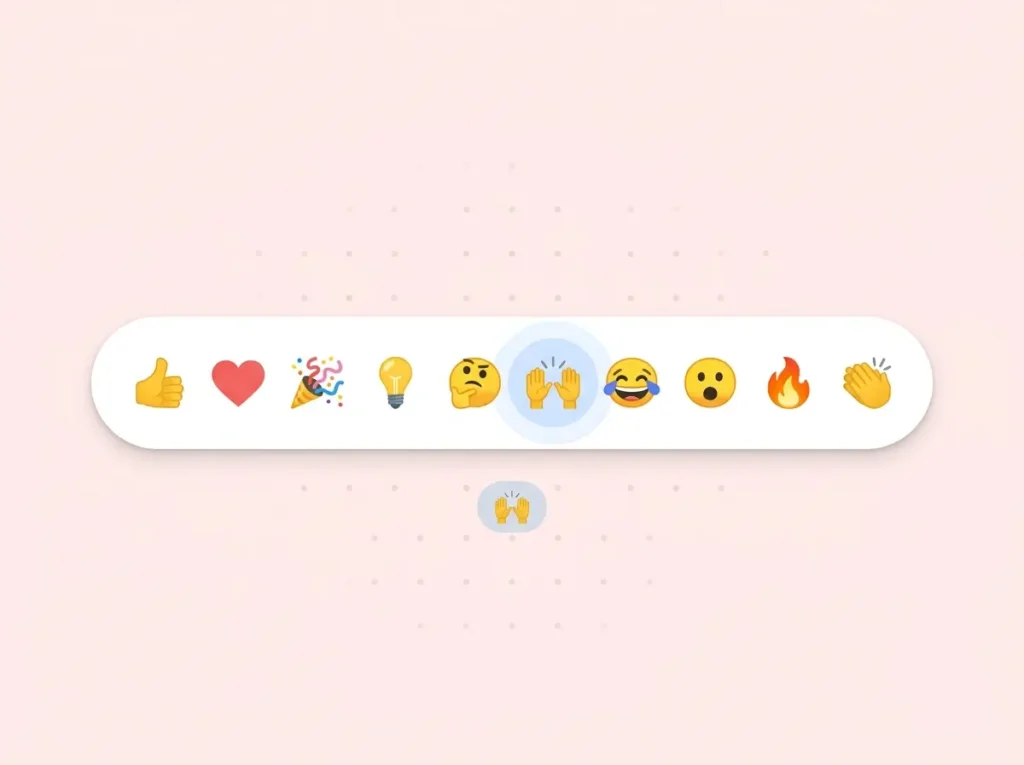
One click says “nice post.” Multiple claps say “this really hit home.”
That’s the idea behind Medium’s clapping button. And now you can bring the same feel to your WordPress blog with WP ULike Pro.
We added a Medium clapping button template to our library so your readers can clap more than once, watch the counter go up, and get instant feedback that their vote counted. No custom code. No theme edits.
Why use a clapping button?
A normal like button is binary. You click once. Done.
A clap button works differently. If someone loves your post, they can click again and again. The counter keeps rising. So readers show stronger support without leaving a comment.
That extra feedback loop matters on blogs. More claps mean more signal about what content resonates. It’s also why Medium moved away from a simple heart and built claps in the first place.
Plus, the animation and rising count make the action feel alive. Users see right away that their click worked.
Medium clap buttons with WP ULike Pro
WP ULike Pro includes a clapping template inspired by Medium. Same multi-click behavior. Same hand-clap look. Built for WordPress.
Here’s how to turn it on:
- Go to WP ULike → Settings → Configuration → Content Types
- Open the tab for your content type (for example Posts)
- Under Template, choose Clapping Button
- Set Logging Method to No Limit
- Then set Maximum Votes Allowed to how many claps one user can give (for example 10, 25, or 50)
- Save your settings

The No Limit logging method lets users clap multiple times on the same post. The Maximum Votes Allowed field caps how high one person can push the counter. So you get Medium-style claps without runaway spam.


Clap, like, and like/dislike
The clapping template is the full Medium look. But WP ULike Pro also supports multi-click behavior on other button styles.
So you’re not locked into one design. You can pair clap-style voting with classic like buttons, like/dislike pairs, and dozens of other templates in our gallery.
Want to see what else is available?
Quick tips for Medium-style claps
- Start with Posts. Enable the clapping template on blog posts first, then expand to other content types if needed.
- Set a sensible cap. Medium allows up to 50 claps per user. A limit between 10 and 50 works well for most blogs.
- Pair with auto display. Use WP ULike’s automatic display or Display Automation in Tools to place clap buttons where you want them.
The bottom line
If you run a WordPress blog and want Medium-style engagement, the clapping template is the fastest path. Pick the template, set logging to No Limit, cap the max votes, and you’re live.
Already on WP ULike Pro? Open Settings → Configuration → Content Types and switch your post template to Clapping Button today.
Not on Pro yet? See what’s included or browse all button templates.
Frequently asked questions
How do I add a Medium clapping button to WordPress?
Install WP ULike Pro, then go to Settings → Configuration → Content Types. Choose the Clapping Button template, set Logging Method to No Limit, and set a Maximum Votes Allowed cap.
Can users clap more than once on the same post?
Yes, when Logging Method is set to No Limit. Each click adds to the counter until the user hits the Maximum Votes Allowed limit you set.
Is the clapping button Pro only?
Yes. The Medium-style Clapping Button template is part of WP ULike Pro. The free plugin includes other button styles, but the full clapping template and animation require Pro.
Does this work on WooCommerce or BuddyPress?
Yes. You can enable the clapping template per content type in Settings. For custom placement on products, activities, or forums, use Display Automation in WP ULike Pro → Tools.
Leave a Reply